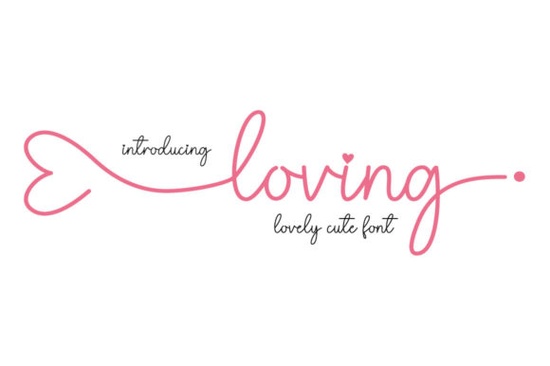
If you're looking for a script font that feels personal, graceful, and quietly confident without being overly ornate or hard to read Loving Font is worth your attention. It’s a delicate script with clean lines and subtle contrast, designed to work well across both digital and print projects. Whether you're designing wedding stationery, crafting social media graphics for a small business, or building a cohesive brand identity, this font balances elegance with everyday usability.
What kind of projects does Loving Font suit best?
Because it’s light but intentional in its strokes, Loving Font shines where warmth and refinement matter most. Think handwritten-style quotes for Instagram posts, monogrammed gift tags, boutique packaging, or even minimalist logo variations. It’s not meant for body text or long paragraphs but where it lands is where it counts: headlines, invitations, product labels, and signature elements like “Est. 2024” or “Hand-poured in Portland.”
One practical detail designers appreciate: it’s PUA encoded. That means all alternate characters, swashes, and ligatures appear reliably in design apps like Adobe Illustrator, Affinity Designer, or even Canva (when uploaded as a custom font). No hunting through character maps you’ll find flourishes right where you expect them, under familiar keys.
How does it compare to other popular script fonts?
It sits comfortably between the airy minimalism of Simple Planner Font and the romantic fullness of Enchanted Bride Font. Unlike The Wedding Signature Font, which leans into bold calligraphic energy, Loving keeps things soft and approachable ideal if your audience prefers subtlety over drama. And while Siblings Font offers playful versatility, Loving stays focused on quiet sophistication.
You’ll also find it shares some visual kinship with Humble Moon Font, especially in its gentle curve and consistent rhythm but Loving has more open spacing and slightly less contrast, making it easier to pair with clean sans-serifs like Montserrat or Inter.
Where should you avoid using Loving Font?
Steer clear of low-resolution screens or tiny sizes (under 24pt in most cases). Its fine details can blur or disappear on mobile previews or printed materials with lower DPI. Also, avoid pairing it with other highly decorative scripts it works best next to neutral, structured typefaces that let it breathe.
It’s not a display font built for impact at a distance so skip using it for large outdoor signage or trade show banners unless you’re testing legibility at scale first. And while it supports Latin-based languages well, double-check glyph coverage if you need extended diacritics or non-Latin characters.
Real-world tips for getting the most out of Loving Font
- Pair it thoughtfully: Try it with a light-weight sans-serif (like Lato Light or Nunito ExtraLight) for balance never another script unless it’s a single, intentional contrast (e.g., Loving for the name, Humble Moon Font for a tagline).
- Use swashes sparingly: One or two per design is enough. Overusing them dilutes their charm and makes layouts feel busy.
- Test print early: Print a sample at actual size even high-res PDFs can behave differently on paper than on screen.
- Check licensing: The standard license covers personal and commercial use, including POD platforms like Redbubble or Etsy, but always confirm before scaling up production.
If you're sourcing fonts for client work, keep in mind that Loving Font’s tone reads as warm and human not corporate or distant. That makes it especially useful for wellness brands, handmade goods, local cafés, or wedding vendors who want to signal care and authenticity without saying a word.
For crafters printing on kraft paper or textured cardstock, try setting Loving Font in a slightly lighter weight (if available in the family) or adjusting letter-spacing by +20–40 units to prevent ink bleed. And if you’re layering it over photos or busy backgrounds, a subtle white stroke or soft drop shadow often helps readability more than a solid background block.
Before you download or purchase: Open your design app, install the font, and test it with three real phrases your business name, a short tagline, and a date (like “May 2025”). If all three feel right together, it’s probably a good fit.
Get Started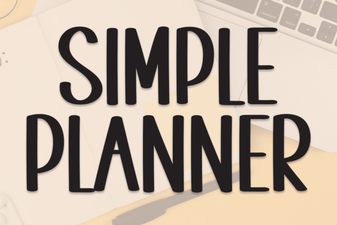 Simple Planner Fonts for Organized & Creative Projects
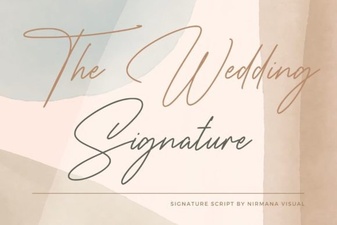 The Wedding Signature Font: Creative Design Ideas
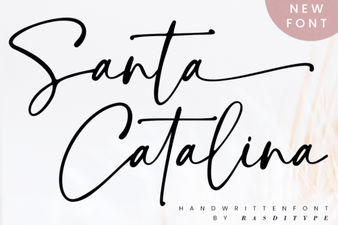 Craft Beautiful Projects with Santa Catalina Font
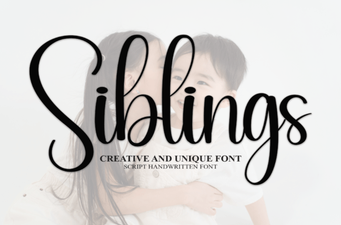 Fonts for Creative Collaboration Between Siblings
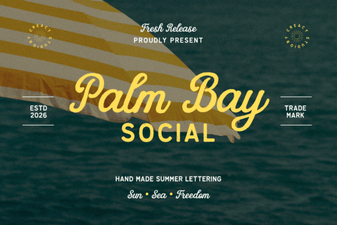 Palm Bay Font: Creative Projects & Tips
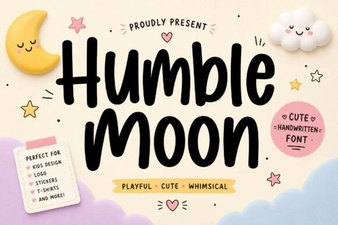 Humble Moon: a Font for Creative Storytelling